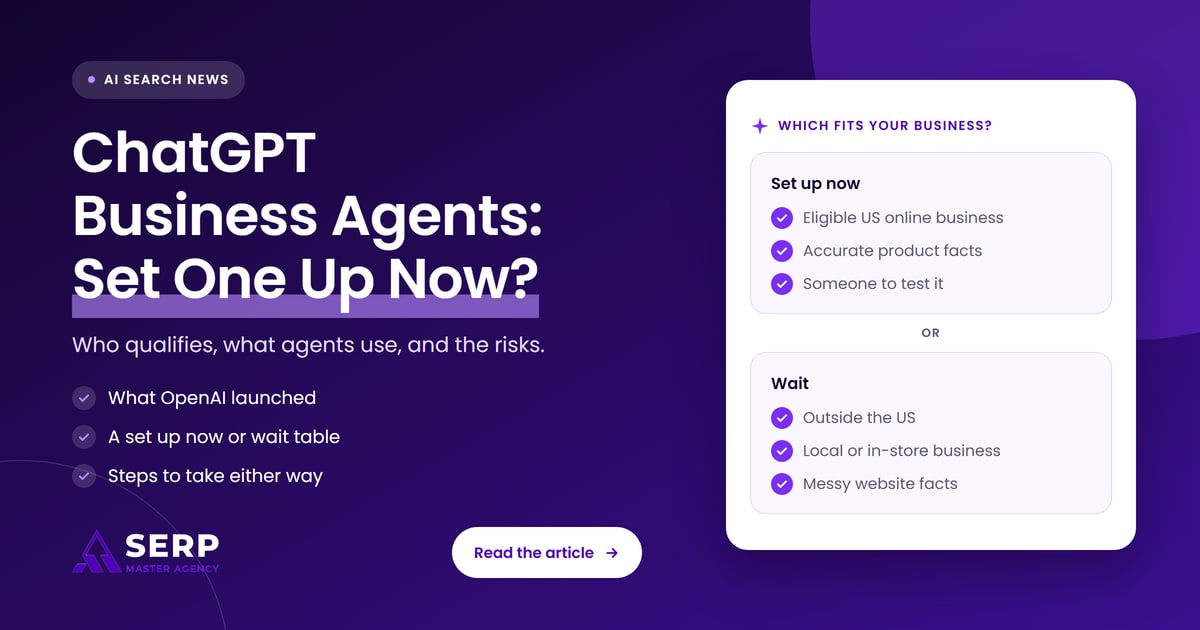
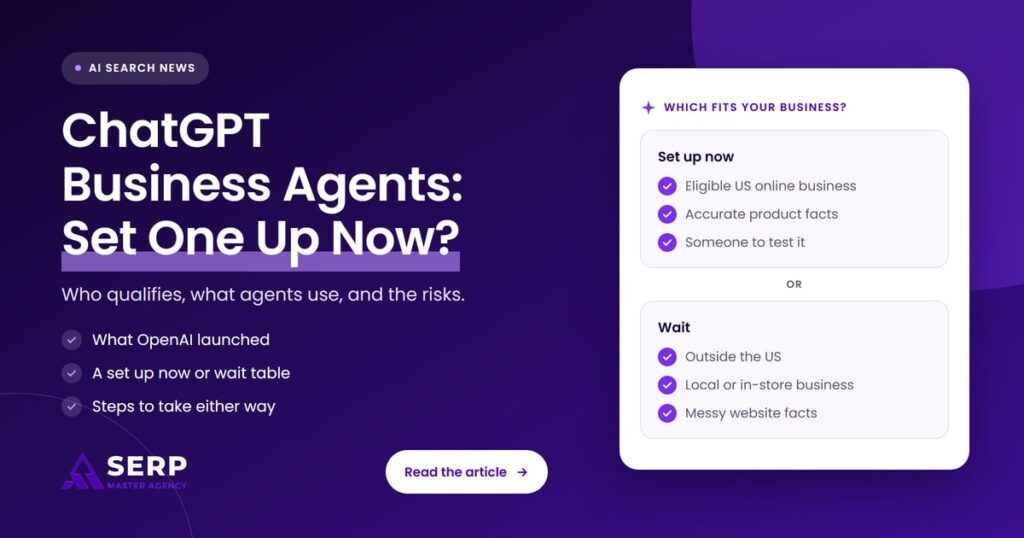
Quick answer: ChatGPT Business Agents are branded AI chats that people can open when a business appears in a ChatGPT answer. OpenAI launched them in beta on November 10, 2026, for eligible US ecommerce and online service businesses. If you qualify and your product and policy facts are accurate, set one up now. Everyone else should claim their business in Business Hub and wait.
Key takeaways
- OpenAI launched Businesses in ChatGPT in beta on November 10, 2026, with two parts: Business Hub and Business Agents.
- Any eligible business where ChatGPT is available can claim its profile in Business Hub, but Business Agents are limited to eligible US ecommerce and online service businesses with a website.
- An agent answers from the information you supply, such as product details, return policy and your instructions, and it cannot take orders or bookings.
- Business Hub and agents are free for now, according to Digiday. Sponsoring your agent as the destination for ChatGPT Ads is the paid route.
- The biggest risk is an agent repeating outdated or incomplete facts, so clean up your website and business details before you publish one.
What did OpenAI launch on November 10, 2026?
On November 10, 2026, OpenAI introduced Businesses in ChatGPT in beta. It has two parts. Business Hub lets a business claim its ChatGPT profile, update its details, add product feeds and see mention and click data. Business Agents let eligible businesses publish a branded chat that customers can open from that profile.
OpenAI’s announcement frames the launch as a way to reach the 1.2 billion people who use ChatGPT each week. The main pieces are:
- Claiming and verification. Businesses can claim their organization in ChatGPT and, once verified, update key details and add self-service product feeds with pricing and availability.
- Insights. Business Hub shows aggregated mentions, website clicks and discovery topics, which are common themes in conversations where the business’s website is cited.
- Business Agents. After claiming its profile, an eligible business can build, test and launch an agent that answers questions about its offerings.
- Sponsored Agents. A business can sponsor its agent and use it as the destination for ChatGPT Ads. Sponsored placements are labeled and kept separate from ChatGPT’s answers.
We covered the early reports on this tool before launch in ChatGPT is building a way to claim your business. This article focuses on the part that is new: the agent.
What is a ChatGPT Business Agent?
A ChatGPT Business Agent is an AI chat that represents one business inside ChatGPT. When the business shows up in a ChatGPT answer, a customer can open its profile and choose to start a conversation with the agent. The agent answers questions about products and policies using information the business has supplied.
OpenAI says three things separate an agent chat from a normal ChatGPT answer. The conversation is clearly labeled, it runs separately from the customer’s original ChatGPT conversation, and it is distinct from ChatGPT’s independent answers. In plain terms, the agent speaks for your business, while ChatGPT’s own recommendation is still ChatGPT’s.
What is ChatGPT Business Hub?
ChatGPT Business Hub is the dashboard where a business claims and manages its ChatGPT profile. After verification, an owner can update the website, description, category, logo, delivery policy and return policy, connect a product feed, view 28-day insights and, if eligible, build a Business Agent.
Who can set up a ChatGPT Business Agent?
Business Agents are available to eligible ecommerce and online service businesses in the United States that have a website, a claimed Business Hub profile and an approved identity check. The business must also meet the industry rules in OpenAI’s Business Agents Policy. Businesses outside the US can claim a profile but cannot build an agent yet.
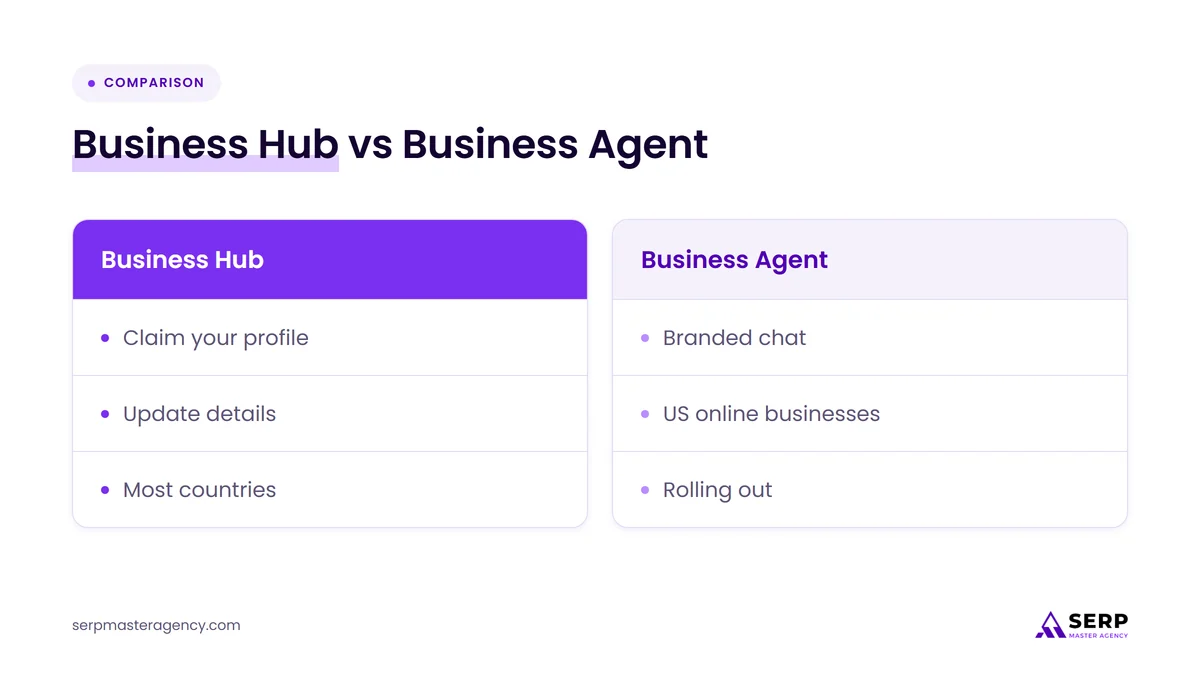
| Feature | Business Hub profile | Business Agent | Sponsored Agent |
|---|---|---|---|
| Who can use it | Eligible businesses where ChatGPT is available | Eligible US ecommerce and online service businesses with a website | Businesses running ChatGPT Ads with an agent |
| What it does | Manages your details, product feed and insights | Answers customer questions in a labeled chat | Sends ad clicks into your agent chat |
| Cost at launch | Free for now (Digiday) | Free for now (Digiday) | Paid advertising |
| What you need first | A claim, plus a Persona identity check to publish changes and see insights | A claimed profile and an approved Persona check | A Business Agent and ChatGPT Ads |
| Changes ChatGPT’s independent answers | No direct control | No, the chat is separate | No, OpenAI says ads don’t influence answers |
Being eligible on paper does not mean you will see the agent builder straight away. Rankability, an AI search software company, reported on November 11, 2026 that its own verified profile showed “Agent builder isn’t available yet” with a note that access is rolling out gradually by business type. OpenAI’s policy also says business verification alone does not secure agent eligibility.
What about businesses in the UK, Canada, Australia and New Zealand?
Businesses in the UK, Canada, Australia and New Zealand can claim a Business Hub profile where ChatGPT is available and verification is supported, but they cannot publish a Business Agent yet. OpenAI says it plans to expand Business Agents to more markets and categories over time, without giving dates.
A US entity with a US online store or online service may qualify even if the owner lives elsewhere, but check the Business Agents Policy and the options shown in your own Business Hub before you plan around it.
Which businesses can’t use one yet?
Local stores, restaurants and businesses whose main offer depends on a physical location are not in the first group for agents. OpenAI’s help page says local stores and restaurants can currently claim only an existing US listing. Regulated advice also has limits: the policy says an agent must not give advice that legally requires a professional license or claim professional credentials.
What information does a Business Agent use?
A Business Agent answers from the information your business provides in Business Hub. That includes product details, prices and availability from a product feed, policies such as delivery and returns, your business description, and the written instructions you give the agent. It can link customers to your website, where they complete purchases or bookings.
OpenAI’s help page spells out what the current version can and can’t do:
- It explains products and policies. You review the information the agent will use, then preview it with common customer questions before publishing.
- It links to your website. The agent cannot complete purchases, make bookings or check a customer’s order. Customers finish those steps on your site.
- It doesn’t use your ChatGPT plugin. If your business also has a plugin in ChatGPT, the agent’s chat doesn’t use data from it.
- It must say it is AI. The policy requires the agent to be clear that it is AI representing the business, not a human, an independent adviser or an OpenAI endorsement.
Shopify merchants get a shortcut. They can connect their store from Business Hub or the Shopify admin, and Shopify setup may create a draft agent automatically. You still need to review and publish it yourself.
How do you set up a Business Agent?
Setting up a Business Agent takes four stages: claim your business in Business Hub, pass the Persona identity check, review the information and instructions the agent will use, then test and publish it. Customers can only chat with a published agent, and publishing is optional.
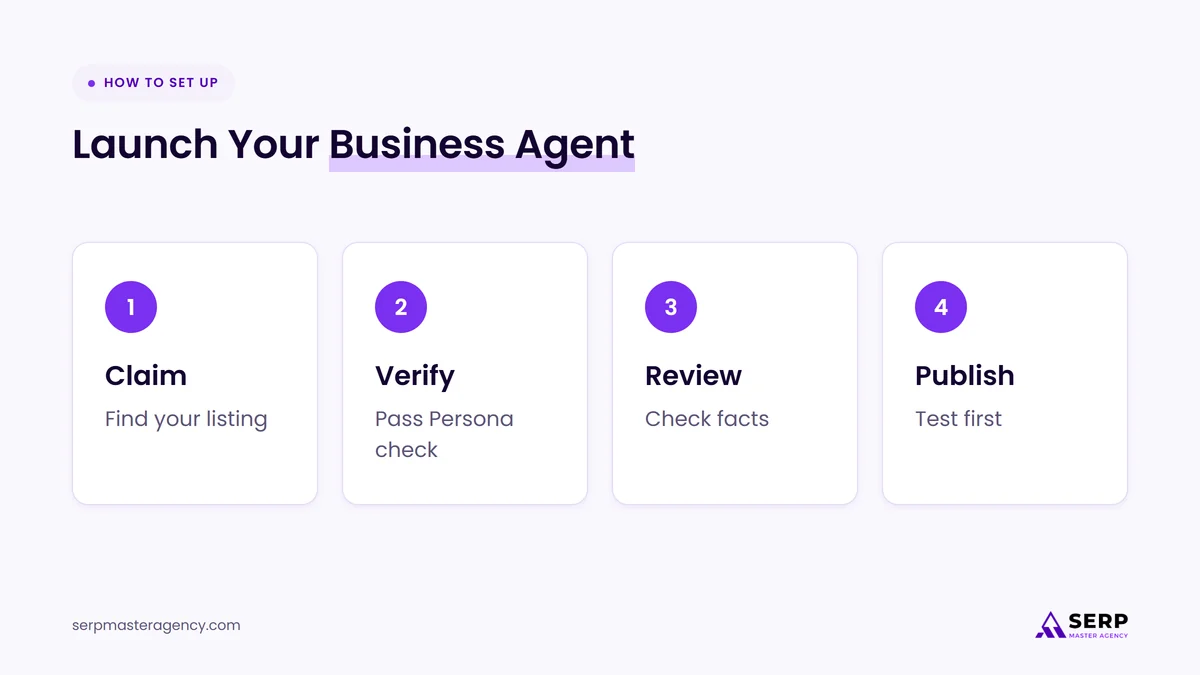
- Claim your business. Sign in to ChatGPT, open Business Hub from the sidebar, find your listing and verify by business phone, business email, a DNS TXT record on your website domain or your Shopify store. OpenAI then reviews the claim.
- Verify your identity with Persona. You need Persona verification before you can publish changes, connect product feeds, view insights or build an agent. You may need a government ID, business registration details and proof you can represent the business. Make sure the business name and address match your official records.
- Review the agent’s information. Check product details, return policy and other facts, and write instructions that follow the Business Agents Policy.
- Test, then publish. Preview the agent with real customer questions. If an answer is wrong, fix the information or the instructions and test again before selecting Publish.
If an agency manages your marketing, the admin who claimed the business can grant that agency access in Business Hub. Each person should use their own ChatGPT account rather than a forwarded invitation.
What are the risks of setting up a Business Agent now?
The main risks are wrong answers, stale information and limited visibility into what customers ask. An agent repeats whatever facts and instructions you give it, so an outdated price or return policy becomes a confident wrong answer. You also can’t read the chats, and the feature is still a beta that can change.
Five risks are worth weighing before you publish:
- Wrong or outdated answers. OpenAI’s policy says information you provide must be truthful and kept current. If your feed, returns page and Business Hub details disagree, the agent may give a customer the wrong one.
- Slow updates. OpenAI reviews changes to business details, and updates can take time to appear in a listing or answer. A price change made today may not show up straight away.
- No conversation data. OpenAI says businesses don’t receive individual prompts or agent chats. You get aggregate numbers, and a blank metric can mean activity is below the reporting threshold, not zero.
- Policy enforcement. OpenAI can suspend or remove an agent that breaks its rules, such as pushing sales after a customer says no or asking for unnecessary personal information.
- Beta changes. Pricing, eligibility and features can change. Digiday reported that the tools are free for now, but OpenAI has not published long-term pricing.
One limit is easy to misread. OpenAI says claiming a profile does not give you direct control over ChatGPT’s independent recommendations, and that advertising does not influence those answers. An agent is a new place to answer questions once a customer finds you. It is not a shortcut to being recommended. Our guide on how to get your business recommended by ChatGPT covers that separate job.
Should your business set up a Business Agent now?
Set one up now if you are an eligible US online store or online service, your product and policy information is accurate, and someone can test and maintain the agent. Wait if you aren’t eligible, your website facts are messy, or nobody owns the job. Either way, claiming your Business Hub profile is worth doing today.
| Your situation | Recommendation | Why |
|---|---|---|
| US ecommerce store with a clean product feed and clear returns page | Set up now | Your facts are ready, and early testing shows you what customers ask about. |
| US Shopify merchant with a draft agent already created | Set up now, after testing | Most of the data is in place. Review every answer before you publish. |
| US online service business with clear pricing and FAQ pages | Set up now if the builder is available | You are in the eligible group, but access is rolling out by business type. |
| Eligible US business with outdated prices or conflicting policies online | Wait and fix first | An agent would repeat the errors to interested customers. |
| Local store, restaurant or location-based service | Wait, claim your profile | Agents are not offered to this group yet. |
| Business in the UK, Canada, Australia or New Zealand | Wait, claim your profile | Agents are US only at launch. Profile claiming is available where ChatGPT is. |
| Regulated advice business, such as legal or financial services | Wait and read the policy | Agents can’t give licensed advice, so the use case may be narrow. |
If you are thinking about paying to send ChatGPT ad traffic into an agent, test the free agent first. Our article on whether your business should advertise in ChatGPT covers the ad side.
What should you do now, whether or not you set one up?
Every business should claim its Business Hub profile, pass verification and make sure the facts ChatGPT can find are accurate and consistent. That means your website, product feed and business details should say the same thing about prices, policies, locations and services. This work helps whether or not you ever publish an agent.
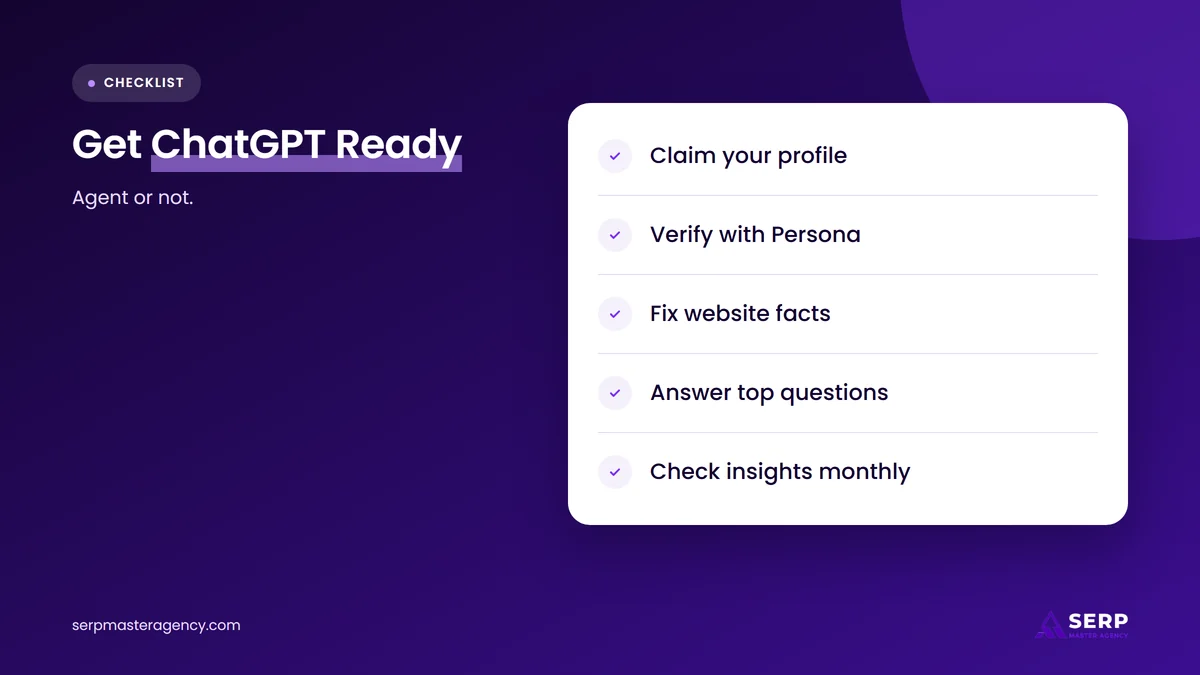
- Claim your profile in Business Hub. Claiming does not change your visibility, but it lets you correct your details and see whether someone else has claimed your business.
- Complete Persona verification. Insights, product feeds and agents all depend on it, and the blue check only appears after approval.
- Clean up your website facts. Check prices, delivery areas, return and cancellation terms, opening hours and contact details. Remove old pages that contradict current ones.
- Publish answers to common questions. List the ten questions your sales or support team hears most, and answer each one clearly on your site.
- Connect a product feed if you sell products. Use the product feed specification or your Shopify connection so prices and availability stay current.
- Check your insights each month. Look at mentions, website clicks and discovery topics over the 28-day window, and treat blanks as low data rather than zero.
- Name an owner. Someone should review the profile, feed and agent answers whenever prices or policies change.
What is likely to happen next?
OpenAI says it plans to expand Businesses in ChatGPT and Business Agents to more markets and business categories, and to build tools for organizations with more complex needs. It has not given dates. Our opinion is that early access will reward businesses whose information is already accurate, rather than those who move fastest.
This is our view, not an OpenAI statement. Agents only answer from what a business supplies, and ChatGPT’s own answers still draw on other sources. That makes the unglamorous work, consistent facts across your website, feed and listings, the part that pays off in both places. At SERP Master Agency, we expect businesses outside the US to get agent access later, so the sensible move for them is to be verified and tidy when it arrives.
Frequently asked questions
Are ChatGPT Business Agents free?
Yes, for now. Digiday reported at launch that Business Hub and Business Agents are free, and OpenAI has not published a price for either. The paid option is sponsoring your agent so that ChatGPT Ads send people into the agent chat. Pricing could change during or after the beta.
Can a Business Agent take orders or bookings?
No. OpenAI’s help page says the current agent can explain products and policies and link to your website, where customers complete purchases or bookings. It cannot check a customer’s order. Plan for the agent to answer questions and send interested people to your site.
Will a Business Agent make ChatGPT recommend my business more often?
There is no evidence that it does. OpenAI says the agent chat is separate from ChatGPT’s independent answers, claiming a profile doesn’t give direct control over recommendations, and advertising doesn’t influence those answers. Being recommended still depends on clear, consistent information across the web.
Can I see what customers ask my Business Agent?
No. OpenAI says businesses don’t receive individual prompts or agent conversations. Business Hub shows aggregate insights, such as mentions, website clicks and discovery topics, and only when activity meets OpenAI’s reporting thresholds. Rankability reported that the Business Hub code names agent metrics such as conversations and product clicks.
Can my agency set up a Business Agent for me?
Yes, with your permission. The admin who claimed the business can add teammates and grant an agency access to manage the business or its agent in Business Hub. Each person should use their own ChatGPT account, and you should keep the admin role yourself.
Should you set up a ChatGPT Business Agent?
If you run an eligible US online store or online service and your facts are in order, set up a Business Agent, test it against real customer questions and keep it current. If you are outside the US, run a local business or have messy website information, claim your Business Hub profile now and fix your facts while you wait. Accurate, consistent business information is the foundation of the SEO services we provide at SERP Master Agency, for Google and for AI tools like ChatGPT.
Want your business information ready for ChatGPT?
SERP Master Agency helps business owners clean up the website facts, listings and pages that Google and ChatGPT rely on. Tell us about your business and we’ll tell you honestly what to fix first, and whether a Business Agent is worth your time yet.
Sources
- OpenAI, “Introducing Businesses in ChatGPT”, November 10, 2026. https://openai.com/index/introducing-businesses-chatgpt/
- OpenAI Help Center, “Setting up your business on ChatGPT”, accessed November 16, 2026. https://help.openai.com/en/articles/20001635-setting-up-your-business-on-chatgpt
- OpenAI, “Business Agents Policy”, updated November 10, 2026. https://openai.com/policies/business-agents-policy/
- OpenAI, “Businesses in ChatGPT: Claim Your Business”, accessed November 16, 2026. https://openai.com/business/businesses-in-chatgpt
- Digiday, “OpenAI gives brands free ChatGPT agents alongside paid ads”, November 10, 2026. https://digiday.com/marketing/openais-new-business-agents-give-brands-a-free-way-into-the-conversation-its-also-selling-as-an-ad/
- Rankability, “ChatGPT Business Agents: Who’s Eligible and What They Can Do”, November 11, 2026. https://www.rankability.com/blog/chatgpt-business-agents/
- IT Brief UK, “OpenAI launches ChatGPT Business Hub for companies”, November 11, 2026. https://itbrief.co.uk/story/openai-launches-chatgpt-business-hub-for-companies

Suraj Rana is a highly regarded SEO expert specializing in the dental industry. His expertise lies in crafting strategic SEO marketing plans to help new or expanding businesses increase their online visibility and attract more customers. Suraj Rana’s skills extend to improving website rankings and boosting organic search visibility, thereby enhancing web traffic and return on investment for businesses.