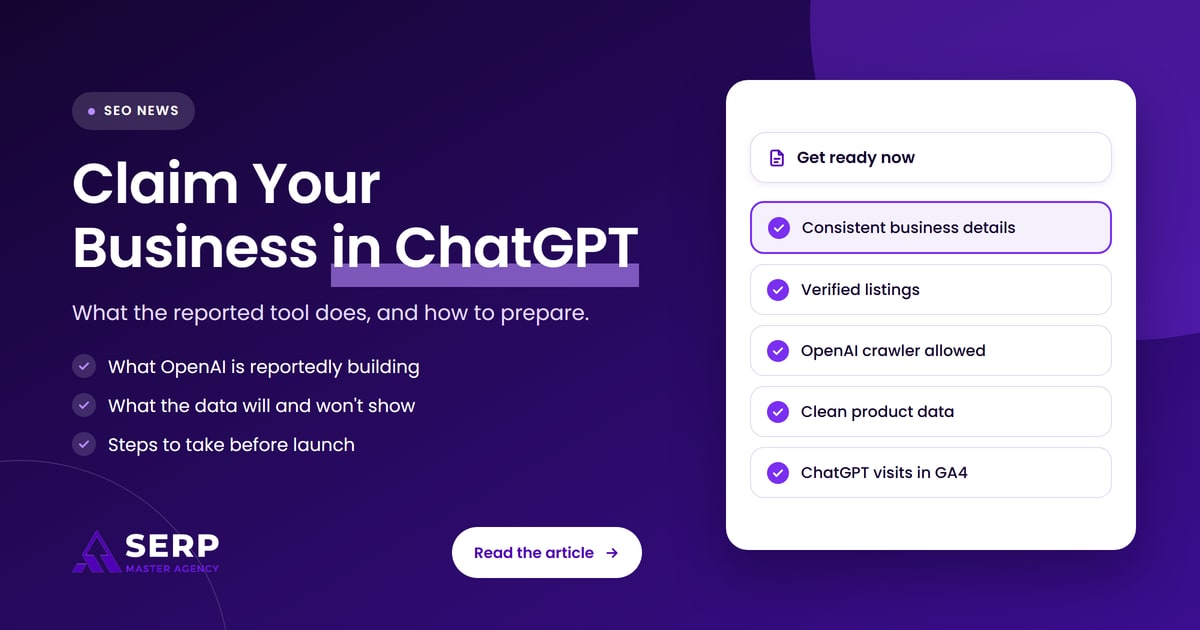
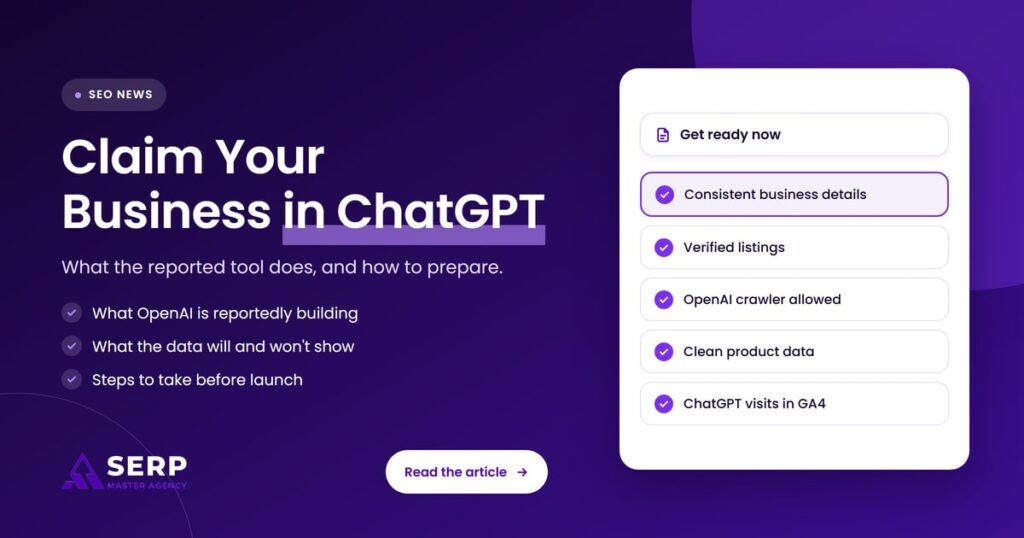
Quick answer: OpenAI is reportedly building a “Claim your business in ChatGPT” feature inside a Business Hub. It would show daily impressions and clicks, let verified owners update business and product details, and add a business agent that answers customer questions. It is unreleased and unconfirmed by OpenAI, so prepare by making your business information accurate and easy for ChatGPT to find.
Key takeaways
- Search Engine Roundtable reported on November 6, 2026 that OpenAI is working on a tool that lets businesses claim, manage and track their presence in ChatGPT.
- The details come from a LinkedIn post and a screenshot shared by Juozas Kaziukėnas, not from an OpenAI announcement. Features, names and launch timing may change.
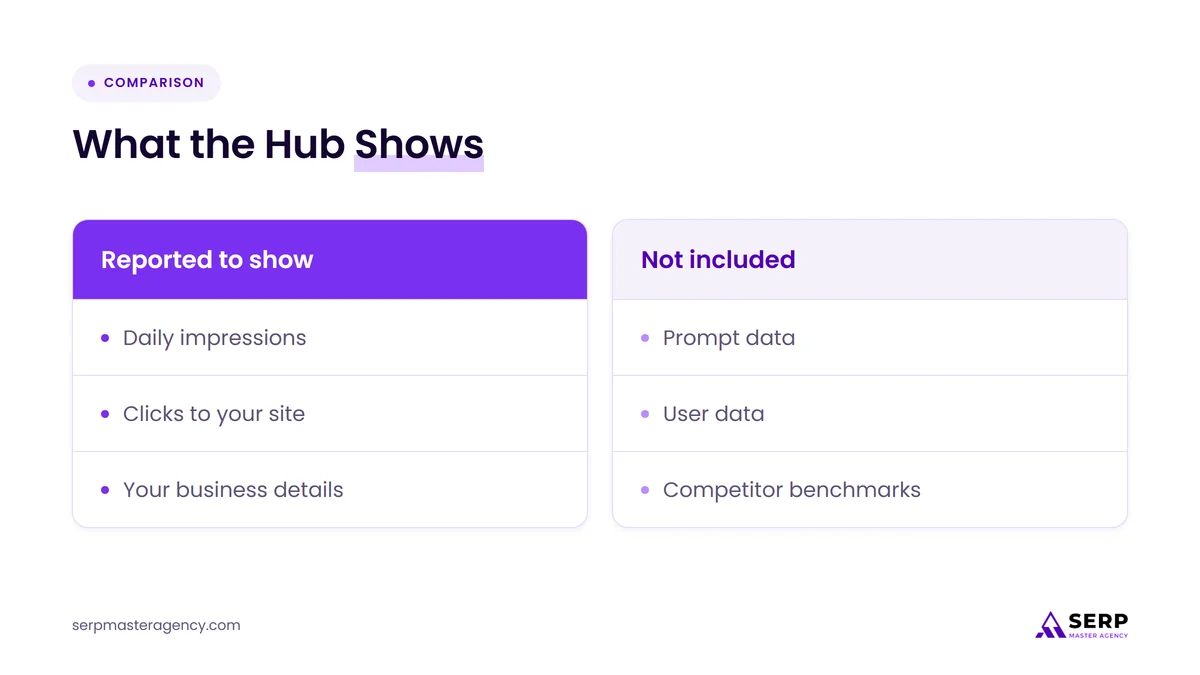
- The reported tool shows impressions and clicks by day, but no prompt data, user data or competitor benchmarks.
- Verification reportedly needs proof of ownership, for example by connecting a Shopify store.
- You do not need to wait for launch. Consistent business details, open access for OpenAI’s search crawler, clean product data and ChatGPT referral tracking in GA4 all help today.
What has been reported about ChatGPT’s business tool?
Search Engine Roundtable reported on November 6, 2026 that OpenAI is developing a tool similar to Google Search Console for ChatGPT. It would let a business claim its presence in ChatGPT, track how often it appears in answers and how many people click through, and keep its business and product details current.
The report is based on what Juozas Kaziukėnas shared on LinkedIn. Here is what has been described so far:
- The name: the interface invites owners to “Claim your business in ChatGPT”, and the analytics sit inside a wider Business Hub.
- Visibility: a way to track how often your business is mentioned in ChatGPT conversations.
- Business information: a place to add your latest products and keep your business details up to date.
- Customer questions: a business agent that can answer customer questions using context the business controls.
- Analytics: impressions (how often the business appeared in ChatGPT responses) and clicks on links to its website, tracked daily and shown as a chart.
- Verification: only businesses that have verified ownership can use it, for example by connecting a Shopify store.
- Separate from ads: Search Engine Roundtable said the tool appears to be separate from ChatGPT ads and focused on organic answers.
Is the ChatGPT business claim feature live?
No, not as of November 7, 2026. Kaziukėnas described it as a work in progress, saying he saw early signs as far back as August and a launch banner more recently. OpenAI has made no official announcement, and the Search Engine Roundtable report included no statement from OpenAI, so treat every detail as provisional.
We also searched for newer coverage and for any OpenAI help page about claiming a business in ChatGPT, and found nothing official at the time of writing. If OpenAI publishes documentation, that will be the version to follow.
What does “claim your business” mean in ChatGPT?
Claiming your business means proving to a platform that you own or run a business, so you can manage how it appears there. Google Business Profile and Bing Places work this way. In ChatGPT’s reported version, a claimed business would get visibility data, a place to update details and an agent for customer questions.
The idea is familiar to most owners. You already verify your listing on Google so you can fix your hours, reply to reviews and see how people find you. The difference is that ChatGPT does not show a list of results with a map pack. It writes an answer, and your business is either part of that answer or it is not. A claim tool would give owners a view into that for the first time from OpenAI’s side.
What will the tool show, and what won’t it show?
Based on the report, the tool would show how often your business appeared in ChatGPT answers and how often people clicked through to your site, day by day. It would not show which prompts triggered those answers, who the users were or how you compare with competitors. You would see the trend but not the reasons behind it.
| Reported feature | What it would tell you | What it would not tell you |
|---|---|---|
| Impressions chart | How often your business appeared in ChatGPT responses each day | Which questions or prompts led to those mentions |
| Clicks chart | How many clicks went to your website from ChatGPT | Who clicked, or what they did after landing |
| Business and product info | A direct way to give ChatGPT current details | Whether ChatGPT will prefer your details over other sources |
| Business agent | Answers to customer questions using context you control | How often customers use it, based on what has been reported so far |
| Competitor view | Not included, per the report | How your visibility compares with rivals |
Kaziukėnas noted that the data will not explain why mentions or clicks go up or down, but that it could be paired with outside prompt-tracking tools to check whether your AI search work is paying off. For owners, the useful part is simple: first-party numbers from OpenAI, instead of guesses.
Who should pay attention to this?
Any business that customers might ask ChatGPT about should pay attention, especially online stores, local service businesses and professional firms. The reported Shopify verification route suggests ecommerce brands may be early users. Service businesses should still prepare, because the same groundwork helps across ChatGPT, Google and other AI tools.
If you already sell through Shopify, keep an eye on your admin and on OpenAI’s announcements. If you do not, there is no reason to change platforms over an unreleased feature. Verification methods for other kinds of business have not been reported yet.
What should you do before it launches?
Start with the basics ChatGPT already relies on. Make your business details match everywhere they appear, keep your main listings verified, let OpenAI’s search crawler reach your site, clean up product data if you sell online and start tracking ChatGPT visits in GA4. None of this depends on the new tool launching.
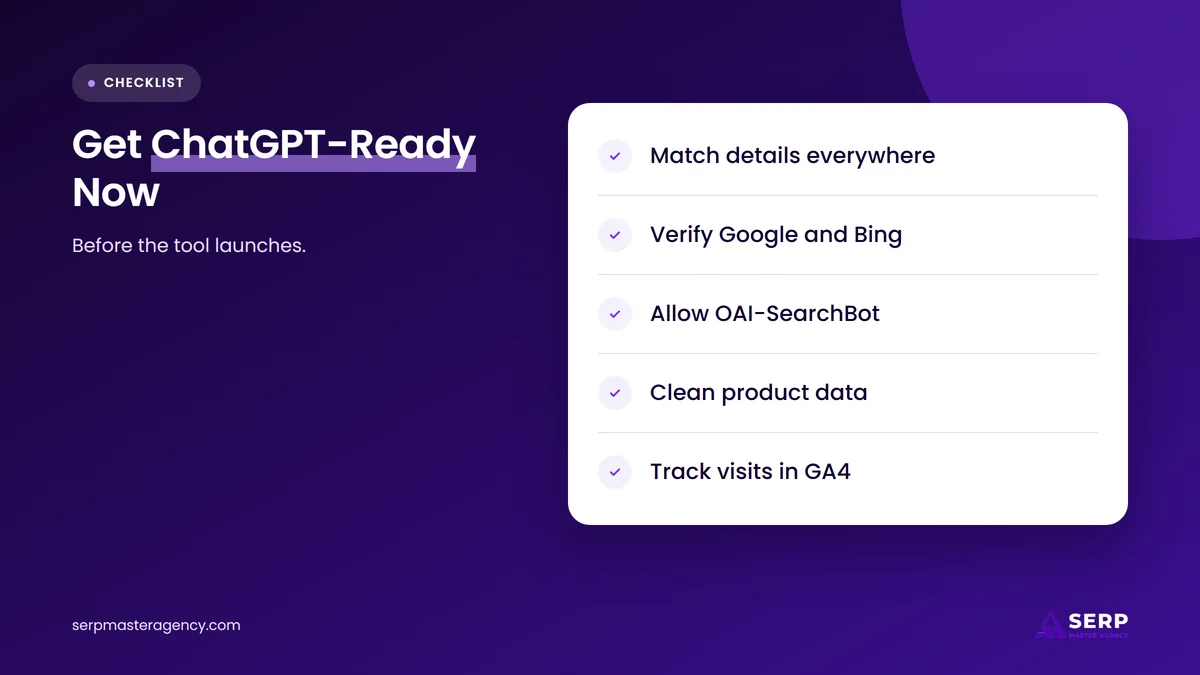
- Make your business details consistent. Check your name, address, phone number, website, hours and service areas on your website, social profiles and directory listings. Fix any old addresses, retired phone numbers or former business names. Our guide on why local citation accuracy affects AI recommendations explains why mismatches cause problems.
- Verify and complete Google Business Profile. Google says verification and complete, accurate information such as hours, category and attributes help a business appear in local results. Accurate listings also give AI tools a consistent picture of your business.
- Claim Bing Places too. Bing Places is Microsoft’s business listing service. Claim and verify your listing there with the same details you use everywhere else, so another major data source stays accurate.
- Let OAI-SearchBot crawl your site. OpenAI’s crawler documentation says sites that block OAI-SearchBot will not appear in ChatGPT search answers, though they can still show as navigational links. Check your robots.txt and any firewall or bot-blocking settings.
- Clean up your product data. If you sell online, make sure every product has an accurate title, a factual description, a current price, correct availability, a working image and a stable product URL. These are required fields in OpenAI’s product feed reference.
- Write down the answers customers need. If a business agent arrives, it will need context to work with. Collect your common questions on pricing approach, delivery, returns, service areas and booking, and make sure the answers are already on your website.
- Start measuring ChatGPT referrals now. Set up the GA4 report described below, so you have a baseline before any new dashboard appears.
How do you check that OpenAI’s crawler can reach your site?
Open your robots.txt file at yourdomain.com/robots.txt and look for any rule that blocks OAI-SearchBot or blocks all bots. OpenAI’s documentation says each of its crawlers is controlled separately, so you can allow OAI-SearchBot for search while blocking GPTBot, which collects training data.
Three points from OpenAI’s crawler page are worth knowing:
- OAI-SearchBot is the one that decides whether your pages can appear in ChatGPT search answers. Allow it, along with its published IP ranges, if you want to be found.
- GPTBot is for training OpenAI’s models. Blocking it does not remove you from ChatGPT search, according to OpenAI.
- Timing: OpenAI says its search systems can take about 24 hours to reflect a robots.txt change.
Security plugins and hosting firewalls sometimes block crawlers without the owner knowing. If your robots.txt looks fine but you never see ChatGPT mentions, ask your developer or host whether bot protection is blocking OpenAI’s user agents.
How do you track ChatGPT traffic in GA4?
Use GA4’s Traffic acquisition report. Go to Reports, then Acquisition, then Traffic acquisition, and look at the session source and medium. Search the table for “chatgpt” to see visits that came from ChatGPT. Note the sessions and key events each month so you can compare later.
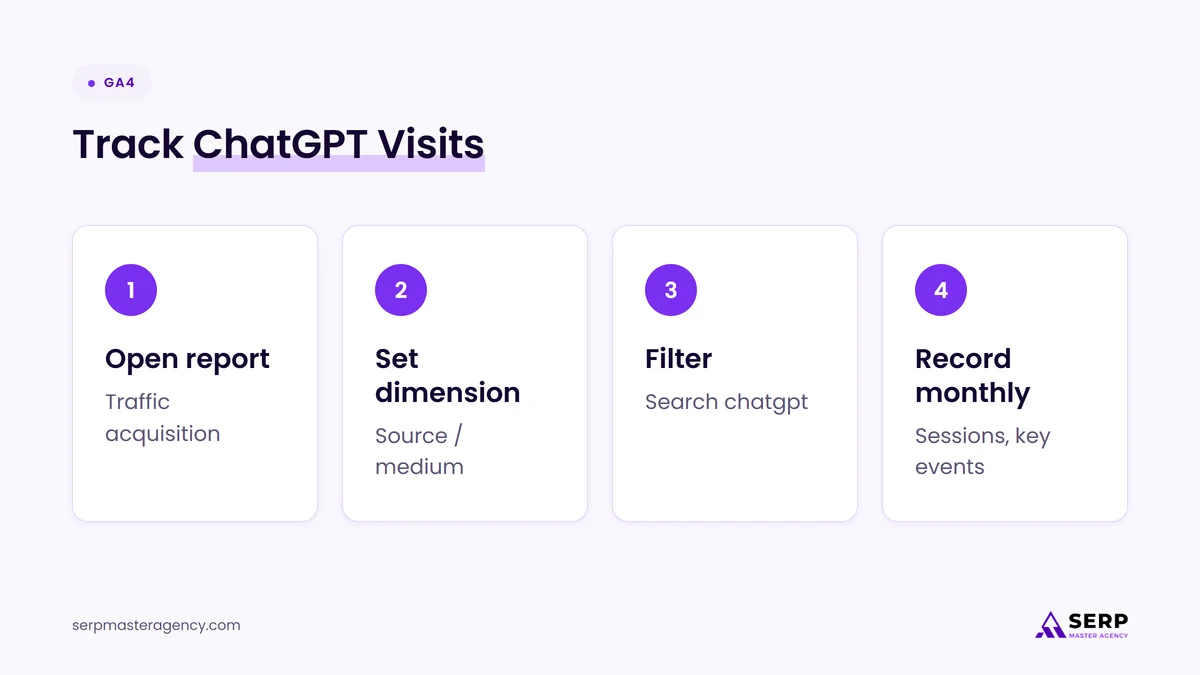
- Open the report. In Google Analytics, select Reports, then Acquisition, then Traffic acquisition.
- Switch the dimension. Change the primary dimension to Session source / medium.
- Filter for ChatGPT. Type “chatgpt” in the search box above the table to show matching sources.
- Record a baseline. Write down sessions, engaged sessions and key events, such as form submissions or purchases, for the month.
- Compare over time. Repeat monthly. If OpenAI’s tool launches, compare its click numbers with the sessions GA4 records.
Expect some gaps. Not every visit from an AI tool is labeled with its source, so GA4 will likely undercount. That is one reason a first-party clicks chart from OpenAI could be useful.
How is this different from ChatGPT ads?
The reported business tool is about organic visibility: how often ChatGPT mentions you in normal answers, and how many people click. ChatGPT ads are paid placements. Search Engine Roundtable said the business tool appears to be separate from advertising, so claiming your business would not be the same as running ads.
That matters for budget planning. You could use the free tool, if it launches as described, to understand your organic presence before deciding whether to pay for ads. Our article on whether your business should advertise as ChatGPT ads expand covers the paid side in more detail.
What is likely to happen next?
This section is our opinion, not confirmed news. Given the launch banner Kaziukėnas described, an official release seems likely at some point, but the name, features and eligibility rules could all change. We expect verification to widen beyond Shopify over time, because a tool limited to one platform would leave out most service businesses.
We also expect the same pattern seen with Google Business Profile: businesses with accurate, consistent information and useful websites will get the most from a claim tool, because the tool only shows what ChatGPT already thinks of you. It does not replace the work that earns mentions in the first place. Our guide on how to get your business recommended by ChatGPT covers that work step by step.
Frequently asked questions
Can I claim my business in ChatGPT today?
Not through an official OpenAI tool, as far as public information shows on November 7, 2026. The “Claim your business in ChatGPT” feature has been reported from screenshots but not announced by OpenAI. Be careful with third-party services that promise to list or claim your business in ChatGPT, because they are not OpenAI.
Will claiming my business make ChatGPT recommend it more?
Nobody knows yet. The reported tool lets you update details and see impressions and clicks, but there is no information on whether claimed businesses get more mentions. Treat it as a way to keep information accurate and measure results, not as a ranking boost.
Do I need a Shopify store to verify my business?
Connecting a Shopify store was reported as one example of how ownership can be verified. Other methods have not been described. Since the feature is unreleased, wait for OpenAI’s official instructions rather than changing platforms.
Should I block GPTBot if I want to appear in ChatGPT?
That is a separate choice. OpenAI says GPTBot collects content for model training, while OAI-SearchBot controls whether you appear in ChatGPT search answers. You can block GPTBot and still allow OAI-SearchBot, so your training opt-out does not have to cost you visibility.
Will the tool show which prompts mention my business?
Not according to the report. Kaziukėnas said it does not show prompt data, user data or competitor benchmarks. You would see daily impressions and clicks, so you may still need separate prompt-tracking tools to understand which questions bring your business up.
Should you prepare for ChatGPT’s business claim tool now?
Yes, but prepare by fixing the basics rather than waiting for the tool. The reported Business Hub is unreleased and may change, yet everything it would measure depends on work you can do today: accurate, consistent business details, verified listings, a site OpenAI’s crawler can reach, clean product data and a GA4 baseline. When OpenAI confirms the feature, you will be ready to claim it and judge its numbers against your own. If you want help getting that groundwork in place, see our SEO services at SERP Master Agency.
Want your business ready for ChatGPT before the tool arrives?
SERP Master Agency checks how your business shows up across Google, Bing and AI answers, fixes inconsistent details and makes sure AI search crawlers can reach your site. Tell us about your business and we’ll tell you honestly what needs doing first.
Sources
- Search Engine Roundtable, “OpenAI Working On ChatGPT Tools For Business For Analytics & Citations”, November 6, 2026. https://www.seroundtable.com/chatgpt-tools-for-business-42476.html
- Juozas Kaziukėnas, LinkedIn post on ChatGPT’s business analytics tool, November 2026. https://www.linkedin.com/posts/juozas_chatgpt-is-building-an-analytics-tool-to-share-7524436371613118464-E3Zf/
- OpenAI, “Overview of OpenAI Crawlers”, accessed November 7, 2026. https://developers.openai.com/api/docs/bots
- OpenAI, “Products” (product feed reference), accessed November 7, 2026. https://developers.openai.com/commerce/specs/feed
- Google Business Profile Help, “Tips to improve your local ranking on Google”, accessed November 7, 2026. https://support.google.com/business/answer/7091
- Google Analytics Help, “[GA4] Traffic acquisition report”, accessed November 7, 2026. https://support.google.com/analytics/answer/12923437

Suraj Rana is a highly regarded SEO expert specializing in the dental industry. His expertise lies in crafting strategic SEO marketing plans to help new or expanding businesses increase their online visibility and attract more customers. Suraj Rana’s skills extend to improving website rankings and boosting organic search visibility, thereby enhancing web traffic and return on investment for businesses.