Quick answer: A Podqi study reported by The Verge found that ChatGPT, Gemini and Perplexity showed fake, knockoff or dead websites in 4% to 15% of answers about where to buy 151 brands. To keep AI pointing at your real site, publish one official-sites page, claim your profiles, keep business data consistent, add Organization schema, monitor AI answers and report impersonators.
Key takeaways
- Across 6,795 AI shopping answers, Perplexity showed a risky site in 15% of answers, ChatGPT in 8% and Gemini in 4% (Podqi, September 2026).
- When an answer showed a risky site, it recommended it as a place to buy 57% of the time and warned the shopper only 9% of the time.
- Smaller brands were more exposed, and questions about regional websites were the riskiest of the five tested.
- Almost half of the 718 risky domains were dead sites that anyone could re-register, so old domains you let lapse are a real risk.
- The fixes are mostly ordinary SEO and brand hygiene: one clear official-sites page, consistent entity data, Organization schema, claimed profiles and regular checks of what AI says about you.
What did the study find about AI chatbots and fake stores?
IP protection firm Podqi asked ChatGPT, Gemini and Perplexity five shopping questions about 151 brands during September 2026 and reviewed every website the answers named. Across 6,795 answers, about 9% put a risky site in front of the shopper. Risky meant a site impersonating the brand, selling suspected counterfeits, or a dead domain.
The study was shared with The Verge, which published it on November 12, 2026. Podqi ran it with data from AI search company Gauge. The brands ranged from large names such as Lululemon, Birkenstock and Le Creuset to smaller fashion labels. The questions were written by Podqi rather than taken from real user chats, so they show what can happen, not how often real shoppers see it.
Here is how the three engines compared on the same prompts, brands and days:
| AI engine | Answers that showed a risky site | What stood out |
|---|---|---|
| Perplexity | 15% | Highest exposure. In one answer it named the wrong page as a fashion brand’s official website. |
| ChatGPT | 8% | Best at warning: it flagged the risky site in 24% of its risky answers. |
| Gemini | 4% | Showed risky sites least often of the three. |
| All three combined | About 9% | Risk fell from 12% in the first wave to 7% in the second. |
The people behind the data summed up the problem in one line. Farbod Memarian, who works in growth at Gauge, described the risky sites this way on X:
“Fake stores, knockoff sellers, and dead domains anyone can buy.”
Farbod Memarian (@FarbodMemarian_) on X, November 13, 2026 (source)
Google, OpenAI and Perplexity all responded to The Verge. OpenAI said it is improving safeguards so deceptive sites are less likely to appear in shopping results, and Google pointed to the source links Gemini shows so people can check information.
What counts as a “risky site” in AI answers?
In the Podqi study, a risky site is any website an AI answer named that either appeared to impersonate the brand, appeared to sell counterfeits, or was dead with nothing a shopper could buy. Of 4,437 domains reviewed, 718 were risky: 351 fake and 367 dead.
Each type hurts a business in a different way:
- Impersonation stores copy your name, logo and product photos to take payments for goods that never arrive. Your customer blames you.
- Knockoff sellers sell copies of your products, which costs you the sale and can damage your reputation for quality.
- Dead domains are old or lapsed addresses linked to your brand. They look harmless, but anyone can re-register one and turn it into a fake store that AI already trusts.
The dead-domain finding matters most for ordinary businesses. If you rebranded, merged websites or let a regional domain expire, AI tools may still name that old address. Podqi’s report makes the same point: an address AI keeps recommending could become a counterfeit storefront once someone buys it.
Why do AI chatbots recommend fake or dead websites?
AI chatbots build shopping answers from pages they find on the web, and they do not always know which domains a brand actually owns. When a lookalike site uses the brand name, product photos and a country ending, the engine can treat it as official, especially when the real brand has not published a clear list of its own sites.
The study points to three patterns that explain most of the risk:
- List-style questions invite errors. Questions such as “What are the top websites for buying [brand]?” produced risky sites in 11% of answers, because every site on a list is presented as a place to buy.
- Regional questions are the riskiest. “Does [brand] ship internationally? What are their regional websites?” showed a risky site in 16% of answers. The engines sometimes listed regional sites for brands that have none.
- Lookalike domains borrow trust. 36% of risky sites in regional answers used a country ending or a region name, such as a .co.uk version or a “us-” prefix on the brand name.
The Verge also reported that questions about larger companies surfaced risky sites about half as often as those about smaller brands. Smaller businesses have fewer pages and mentions online that confirm which site is real, so a convincing fake has less to compete with.
Which businesses are affected?
Any business whose customers might ask an AI tool where to buy from it or how to contact it is affected. The study tested retail brands, but the same weakness applies to ecommerce stores, brands sold through resellers, businesses with several country sites and local businesses that changed domains, names or phone numbers.
The risk is highest if one or more of these is true:
- You sell products online, especially items that are often copied, such as clothing, footwear, beauty, homeware or electronics.
- You sell in more than one country, or customers abroad ask whether you ship to them.
- You sell through authorized retailers or distributors as well as your own site.
- You have changed your domain, rebranded or shut down an old website in the last few years.
- You are a smaller brand with few press mentions, reviews or directory listings that confirm your official site.
Local service businesses are not immune. If an old domain, an outdated listing or a former business name still appears around the web, an AI tool can send people there instead of to you. Our guide on getting your business recommended by ChatGPT explains how these tools choose which businesses to name.
How do you make sure AI sends customers to your real site?
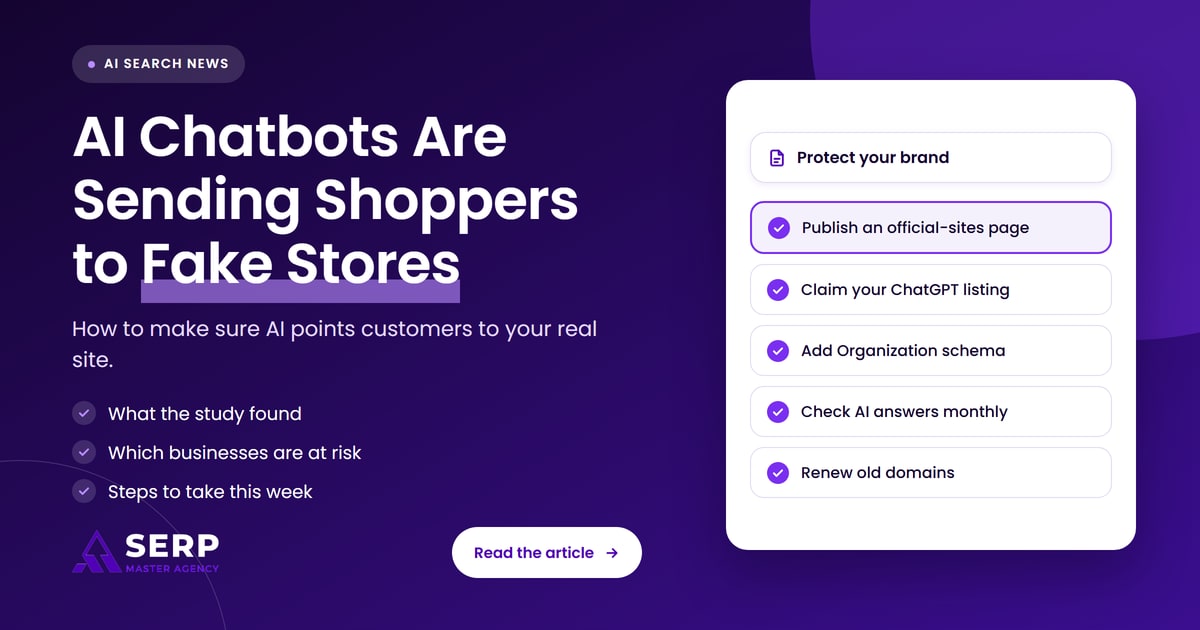
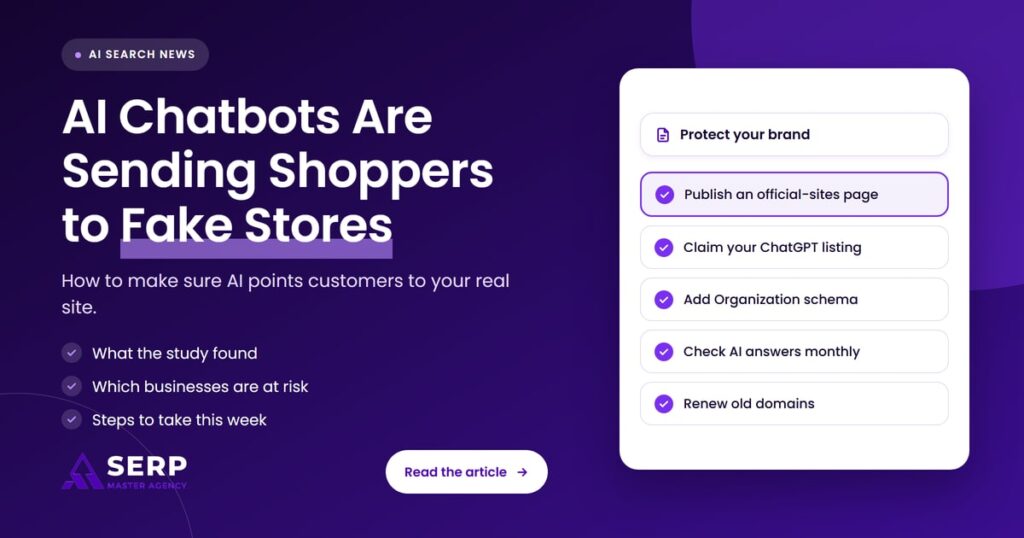
Give AI engines one clear, consistent answer about which websites are yours, and remove the alternatives where you can. That means an official-sites page, claimed profiles, matching business details everywhere, Organization schema that links your profiles, monthly checks of AI answers, and fast reporting of fake sites and lookalike domains.

- Publish an official-sites page. List every website, regional store and authorized retailer that is genuinely yours on one crawlable page. Say plainly which countries have no regional store. Link it from your footer and help pages, and update it whenever something changes. This is the single list you want AI engines to copy.
- Claim your official profiles, including ChatGPT. OpenAI opened Businesses in ChatGPT as a beta on November 10, 2026. Owners can claim a listing through Business Hub, verify it by a call or text to the business phone number or a DNS record on your domain, and update the details ChatGPT shows. Local stores and restaurants can currently claim only an existing U.S. listing, and OpenAI says claiming does not promise better placement. Claim it anyway, along with your Google Business Profile, Bing Places, Apple Business Connect and main social accounts. Our earlier post on claiming your business in ChatGPT covers what to prepare.
- Keep your entity data consistent. Use the same business name, website address, phone number and address on your site, profiles, marketplaces and directories. Conflicting details give AI tools a reason to doubt which version is real. Our guide to fixing inconsistent NAP across listings walks through the cleanup.
- Add Organization schema with sameAs links. Google says Organization structured data on your home page can help it understand your business details and “disambiguate your organization in search results.” Include your official url, logo and a sameAs property listing each official profile, so machines can connect your real accounts to your real domain.
- Monitor what AI says about your brand. Each month, ask ChatGPT, Gemini, Perplexity and Google’s AI features the questions that caused the most trouble in the study: where to buy your products, your top websites, other places to buy and your regional websites. Log every domain the answers name and flag any you do not run.
- Report impersonation quickly. Report fake stores to Google Safe Browsing, to the host and registrar of the domain, and to any marketplace or social platform where they advertise. Use the feedback option inside each AI tool to flag a wrong answer, and keep screenshots with dates as evidence.
- Secure lookalike and lapsed domains. List the domains you own, including country endings such as .co.uk, .ca, .com.au and .co.nz. Renew old domains rather than letting them expire, and redirect them to your main site. If someone registers a domain that uses your trademark in bad faith, the UDRP process run through WIPO is one route to recover it.
How should you check what AI says about your brand?
Run the same small set of shopping and contact questions through each major AI tool once a month, then record which websites appear and how each answer describes them. A simple spreadsheet is enough. The aim is to spot a wrong or fake domain early, before customers do, and to see whether your fixes are working.
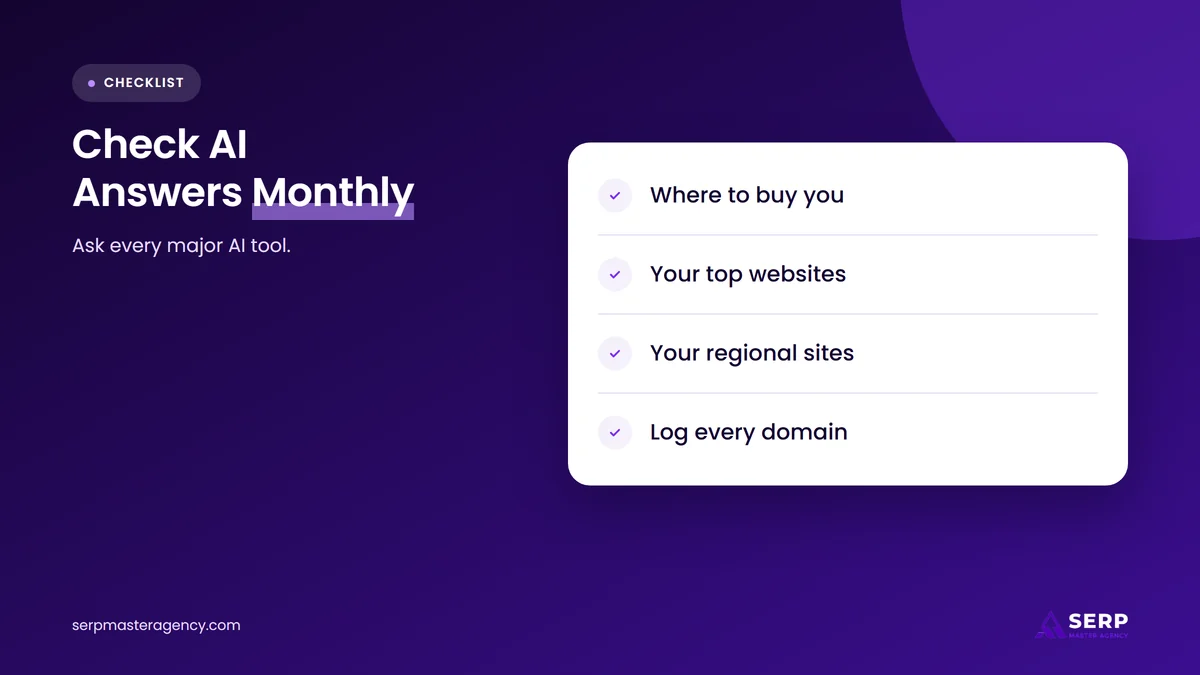
Use questions modeled on the ones the study tested, adapted to your business:
- “What are the top websites for buying [your brand]?”
- “Where can I find [your brand] online?”
- “Besides [your brand]’s website, where else can I buy it?”
- “Does [your brand] ship to [country]? What are its regional websites?”
- “What is the phone number and website for [your business] in [city]?”
For each answer, write down every domain named and whether the tool recommended it, mentioned it without comment or warned against it. That matches how Podqi classified answers, and it tells you which problems need action first. A recommended fake site is urgent. A dead domain you used to own is your next renewal or redirect job.
Ask from more than one country if you sell internationally, because regional answers were the weakest in the study. Our guide to entity-based SEO for brands entering new country markets explains how to make each country version of your brand clear to search engines.
What should you do this week, and what can wait?
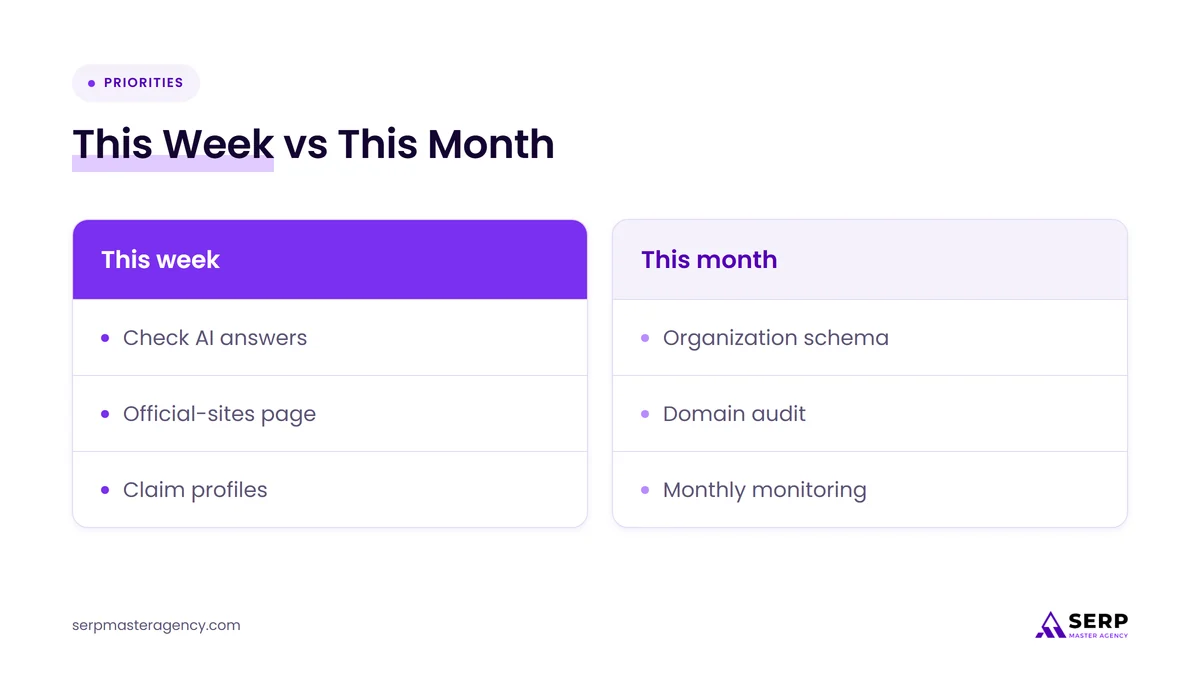
This week, check what the main AI tools say when asked where to buy from you, publish or update an official-sites page and claim your ChatGPT and Google profiles. Schema, domain audits and a monthly monitoring routine can follow over the next month. Reporting a live fake store should never wait.
| Risk | Quick fix (this week) | Ongoing protection |
|---|---|---|
| AI names a fake store | Report it to the host, registrar, Google Safe Browsing and the AI tool | Monthly AI answer checks and a takedown log |
| AI names a dead domain you once used | Renew it if you still can, then redirect it to your main site | Keep a domain list with renewal dates |
| AI invents a regional site | State on your official-sites page which countries you serve | Review country domains and lookalike variants each quarter |
| AI shows outdated contact details | Claim and correct your ChatGPT, Google and Bing profiles | Keep name, address, phone and website identical everywhere |
| AI is unsure which site is official | Link your official-sites page from your footer | Organization schema with sameAs links to every official profile |
None of this needs a large budget. Most of it is the same foundation work that helps you rank in Google, applied with AI answers in mind.
Frequently asked questions
Can ChatGPT recommend a fake website for my business?
Yes. In Podqi’s September 2026 test, ChatGPT showed a fake, knockoff or dead website in 8% of answers about where to buy 151 brands. It warned shoppers about the risky site in 24% of those answers, which was the best warning rate of the three engines tested, but most risky answers still carried no warning.
Which AI chatbot showed fake stores most often?
Perplexity showed risky sites most often in the study, in 15% of its answers. ChatGPT followed at 8% and Gemini at 4%. The same prompts, brands and testing days were used for all three, so the figures are comparable within the study, though the prompts were written by researchers rather than taken from real shoppers.
Does claiming my business in ChatGPT stop it showing fake sites?
Not on its own. Claiming your listing through Business Hub lets you verify ownership and update the details ChatGPT shows, but OpenAI says claiming does not promise higher placement, and ChatGPT still makes its own recommendations. Combine it with an official-sites page, consistent business data, schema and regular monitoring of AI answers.
What is Organization schema, and does it help with AI answers?
Organization schema is structured data on your home page that states your official name, website, logo and profiles in a format machines can read. Google says it helps disambiguate your organization in search results. It gives AI tools and search engines a clear signal about which domain and accounts belong to you.
What should I do if AI sends customers to a fake store using my brand?
Take screenshots of the AI answer and the fake site with dates. Report the site to its host and registrar, to Google Safe Browsing and to the AI tool through its feedback option. Warn customers on your website and social accounts, and consider a domain dispute if the fake site uses your trademark.
Should small businesses buy lookalike domains?
Buy only the ones that matter: your main name on the country endings where you sell, and any old domains you used before. Buying every possible variant is costly and rarely needed. Renewing domains you already own, and redirecting them to your main site, is the cheapest protection the study supports.
Should you act on this study now?
Yes, because the fixes are cheap and the risk is real. AI tools are already naming fake stores and dead domains when shoppers ask where to buy, and smaller brands are the most exposed. Start with an official-sites page, your ChatGPT and Google profiles and a quick check of what AI says about you, then build a monthly routine. If you want help with the technical side, from schema to entity cleanup, our SEO services at SERP Master Agency cover both search and AI visibility.
Want to know which websites AI sends your customers to?
SERP Master Agency can check what ChatGPT, Gemini and Perplexity say when people ask where to buy from you, then fix the entity data, schema and profiles that point AI to the wrong place.
Sources
- The Verge, “AI chatbots are recommending fake retail websites, study finds”, November 12, 2026. https://www.theverge.com/ai-artificial-intelligence/1032020/gemini-chatgpt-perplexity-shopping-test-risky-fake-websites-citations
- Podqi, “AI search is recommending fake retail websites”, November 2026 (fieldwork September 2026). https://podqi.com/research/ai-search-brand-risk
- Search Engine Roundtable, “Businesses in ChatGPT Business Hub Live With Click Data”, November 10, 2026. https://www.seroundtable.com/chatgpt-business-hub-42505.html
- Search Engine Journal, “How to Submit Your Website to ChatGPT Business Hub”, November 12, 2026. https://www.searchenginejournal.com/submit-website-chatgpt/596785/
- Google Search Central, “Organization (Organization) structured data”, accessed November 14, 2026. https://developers.google.com/search/docs/appearance/structured-data/organization
- Google Safe Browsing, “Report a Page to Google Safe Browsing”, accessed November 14, 2026. https://safebrowsing.google.com/safebrowsing/report_phish/
- WIPO, “Domain Name Dispute Resolution”, accessed November 14, 2026. https://www.wipo.int/amc/en/domains/
- Farbod Memarian (@FarbodMemarian_) on X, post on AI shopping answers and risky websites, November 13, 2026. https://x.com/FarbodMemarian_/status/2121318834917331346

Suraj Rana is a highly regarded SEO expert specializing in the dental industry. His expertise lies in crafting strategic SEO marketing plans to help new or expanding businesses increase their online visibility and attract more customers. Suraj Rana’s skills extend to improving website rankings and boosting organic search visibility, thereby enhancing web traffic and return on investment for businesses.