Quick answer: Your SEO agency probably isn’t working for you if its reports show rankings and traffic but never calls, form fills or sales, if you can’t see what work was done each month, if it ignores AI search, or if it promises top rankings or secret tricks. Judge an agency by leads and revenue, plus clear, checkable work.
Key takeaways
- The clearest sign of a weak agency is reporting that stops at rankings and traffic and never reaches leads or revenue.
- AI search has changed what a good report looks like: Ahrefs found AI Overviews cut the top result’s click-through rate by 58% in its 2026 update.
- Search Console now has a Generative AI performance report, available to all sites since August 31, 2026. A current agency should be using it.
- Google’s own advice warns against SEOs who promise top rankings, claim a special relationship with Google or won’t explain their work.
- Google says no special files, markup or tricks are needed for AI Overviews or AI Mode, so be wary of anyone selling a secret AI fix.
- Before you fire an agency, ask for a work log, account access and a lead-based report. The answers usually make the decision for you.
What does it mean when an SEO agency “isn’t working” for you?
An SEO agency isn’t working for you when the money you spend does not turn into more customers from search, and the agency can’t show you why or what it is doing about it. Slow results alone aren’t the problem. The problem is unclear work, reporting that avoids business numbers and no plan to change course.
It helps to separate two questions. First, is the agency doing good, honest work? Second, is that work producing leads? A new site in a competitive market can get good work and still need months before leads grow. An agency that sends vague reports and can’t name a single completed task is failing the first test, whatever the timeline.
How can you tell at a glance whether your SEO is working?
Compare what your agency reports with what your business needs. A working SEO relationship links monthly tasks to visibility in Google and AI search, then to calls, form fills and sales. A failing one reports activity and rankings in isolation, with no line drawn to revenue and no explanation when numbers fall.
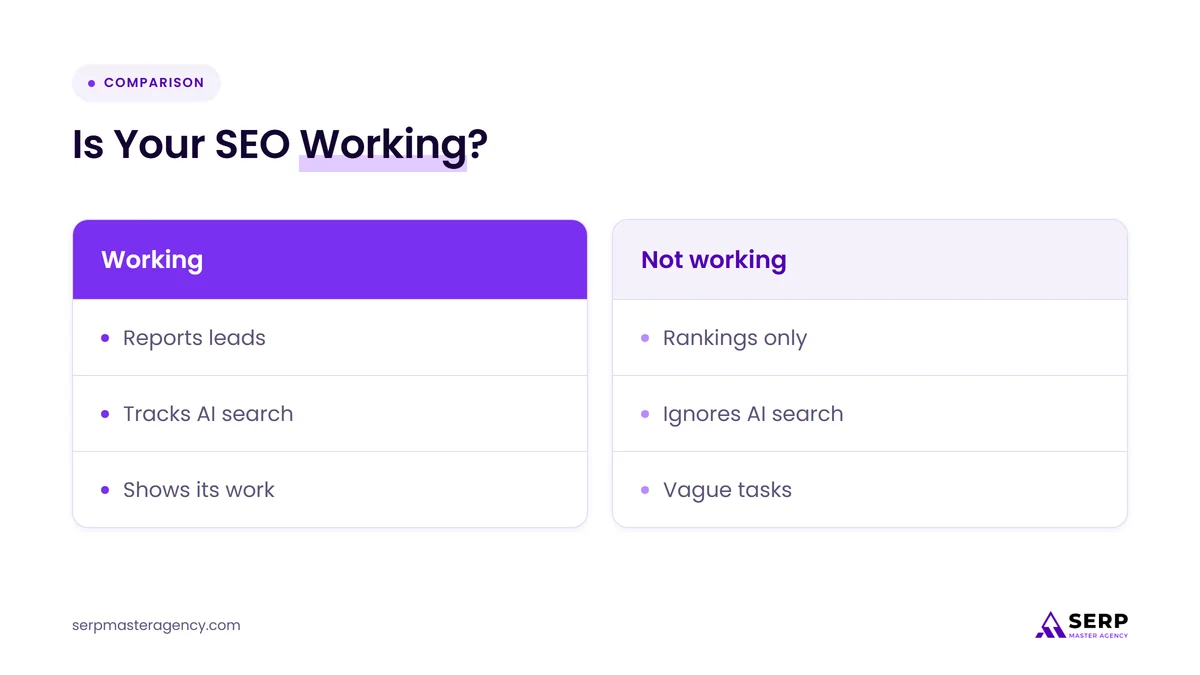
| Area | Agency that is working | Agency that isn’t |
|---|---|---|
| Monthly report | Calls, form fills and revenue from search, with context | Rankings and traffic only |
| AI search | Tracks AI Overviews and AI Mode impressions and explains click changes | Never mentions AI search |
| Work done | A dated list of completed tasks you can check | “Ongoing optimization” with no detail |
| Promises | Realistic goals and timeframes | Top positions or fast results promised |
| Accounts | You own Search Console, Analytics and your Business Profile | Access is held back or shared reluctantly |
| When traffic drops | Explains the cause and changes the plan | Blames Google and carries on as before |
What are the 10 signs your SEO agency isn’t working for you?
The 10 signs fall into three groups: reporting that hides business results, work you can’t see or check, and risky or outdated tactics. Any one sign is worth a conversation. Three or more together, especially in reporting and transparency, usually mean the agency is not the right partner for your business.
1. Reports show rankings and traffic but never leads or revenue
Rankings and traffic are useful, but they are not the goal. If your monthly report never mentions calls, form fills, booked jobs or sales from organic search, the agency is measuring what is easy to show rather than what you are paying for. Ask for a report built around leads, then judge whether the agency can produce one.
Lead tracking is not hard to set up. Call tracking, form submissions recorded as key events in Google Analytics and a simple “how did you hear about us?” question cover most service businesses. Our guide to measuring SEO by leads and revenue, not rankings shows how to set this up.
2. The agency reports rankings while AI Overviews quietly cut your clicks
A page can hold the same position on Google and still get far fewer clicks when an AI Overview sits above it. An agency that celebrates steady rankings while clicks fall, and never mentions AI Overviews or AI Mode, is reading 2026 search with a 2020 report template.
The research is clear on the direction of travel:
- Ahrefs, 2026: across 300,000 keywords, the top-ranking page had a 58% lower average click-through rate when an AI Overview appeared, using December 2025 data.
- Pew Research Center, 2025: users clicked a traditional result on 8% of visits to search pages with an AI summary, compared with 15% on pages without one.
A good agency explains this in your report. It shows impressions, clicks and leads side by side, notes which pages appear in AI features and adjusts content toward the questions that still send customers to your site.
3. Nobody has opened the Generative AI performance report in Search Console
Google added a Generative AI performance report to Search Console in June 2026 and rolled it out to all websites worldwide by August 31, 2026. It shows how often your pages appeared in AI Overviews and AI Mode. If your agency has never mentioned it, they are not keeping up with Google’s own tools.
The report shows impressions, broken down by page, country, device and date. It does not show clicks, so it works best next to the standard Performance report and your lead data. If the report doesn’t appear for your property, Google’s help page says that usually means your site hasn’t had enough impressions in AI features yet, which is itself worth discussing.
4. You can’t see what work was done this month
Every month you should be able to see a dated list of what was done: pages written or updated, technical fixes made, listings corrected, reviews handled. If your agency describes its work only as “ongoing optimization” or “monitoring,” you have no way to check whether anyone did anything for your fee.
Google’s advice on hiring an SEO suggests asking whether the provider will share all the changes it makes and its reasons. A simple shared work log answers that question every month.
5. They promise top rankings or a special relationship with Google
No agency can promise a top position on Google, and no agency has a special relationship with Google that gets your site ranked faster. Google’s own hiring guidance lists both claims as warning signs. An agency that won you with these promises has started the relationship with a claim it can’t keep.
The same guidance warns against offers to submit your site to hundreds of search engines and against tools described as “approved” by Google Search. If your contract or sales deck leans on any of these, treat it as a reason to look harder at everything else.
6. They sell secret AI tricks such as llms.txt files or mass AI pages
Google says there are no extra requirements or special optimizations needed to appear in AI Overviews or AI Mode. Its 2026 guide adds that you don’t need AI text files, special markup or content cut into tiny pieces. An agency charging for these as an AI search fix is selling something Google says won’t help in Search.
Google’s guide on optimizing for generative AI features is direct about what does work: helpful, original content based on real experience, and pages that are indexed and eligible to show in Search. It also warns that creating pages mainly to manipulate AI answers breaks its scaled content abuse policy. Our post on getting cited by AI search tools covers the approaches that hold up.
7. Rankings went up but calls didn’t
Rising rankings with flat leads often means the agency is targeting the wrong keywords: broad, informational or easy terms that make reports look good but don’t bring buyers. Ask which search terms drive your enquiries. If the agency can’t connect any ranking gain to a real lead, the keyword plan needs a rethink.
Check the queries in your Search Console Performance report. If your “wins” are terms such as general how-to questions while searches for your service and city are missing, the work is aimed at traffic rather than customers.
8. You don’t own or can’t access your own accounts
Your Google Search Console, Google Analytics, Google Business Profile and website logins belong to your business. If the agency set them up under its own accounts, holds back access or makes you ask more than once, you can’t check its work and you risk losing data when you leave. That is a serious warning sign.
Ask for owner or admin access to every account in writing. A trustworthy agency hands it over the same week. Google also suggests giving an SEO only the access it needs, such as read access to Search Console during an audit, which is a good habit whoever you hire.
9. They can’t explain their strategy in plain English
You don’t need to understand every technical detail, but you should understand the plan: which customers you are targeting, which pages matter most, what will change in the next three months and why. Google’s guidance warns about providers who are secretive or won’t clearly explain what they intend to do.
A useful test: ask your account manager to explain, in five minutes, the three most important things they will do next quarter and how each one should bring in more enquiries. Vague answers here usually match vague results elsewhere.
10. Traffic dropped and nobody explained why
Traffic drops happen: Google updates its systems, AI features change what people click and competitors improve. What matters is the response. A working agency spots the drop first, explains the likely cause with evidence and proposes a change. A failing one waits for you to notice, then blames the algorithm.
Ask how the agency monitors your site and how quickly it would tell you about a sharp fall in traffic or leads. If the answer is “we’d see it in the monthly report,” you could lose weeks before anyone acts.
How long should you give an SEO agency before judging results?
Give an agency a few months before judging rankings and leads, because new and updated pages take time to gain ground. You can judge the quality of the work from the first month: a clear plan, completed tasks you can check, full account access and reports that track leads, not only positions.
A fair way to split it:
- Month 1: judge the setup. You should have a written plan, lead tracking in place and access to every account.
- Months 2 to 3: judge the work. Tasks should be completed on schedule, with a log you can check.
- Months 4 to 6: judge the direction. Impressions, AI feature visibility and leads for your main services should be moving the right way, or the agency should explain clearly why not.
These stages are a guide, not a rule. Competitive markets and new websites take longer. What should never take months is transparency.
How can you check your agency’s work yourself?
You can check most of an agency’s work yourself in under an hour a month using free Google tools. Look at Search Console for impressions, clicks and AI feature visibility, Google Analytics for leads from organic search, and the agency’s work log for completed tasks. Then compare all three with what the report claims.
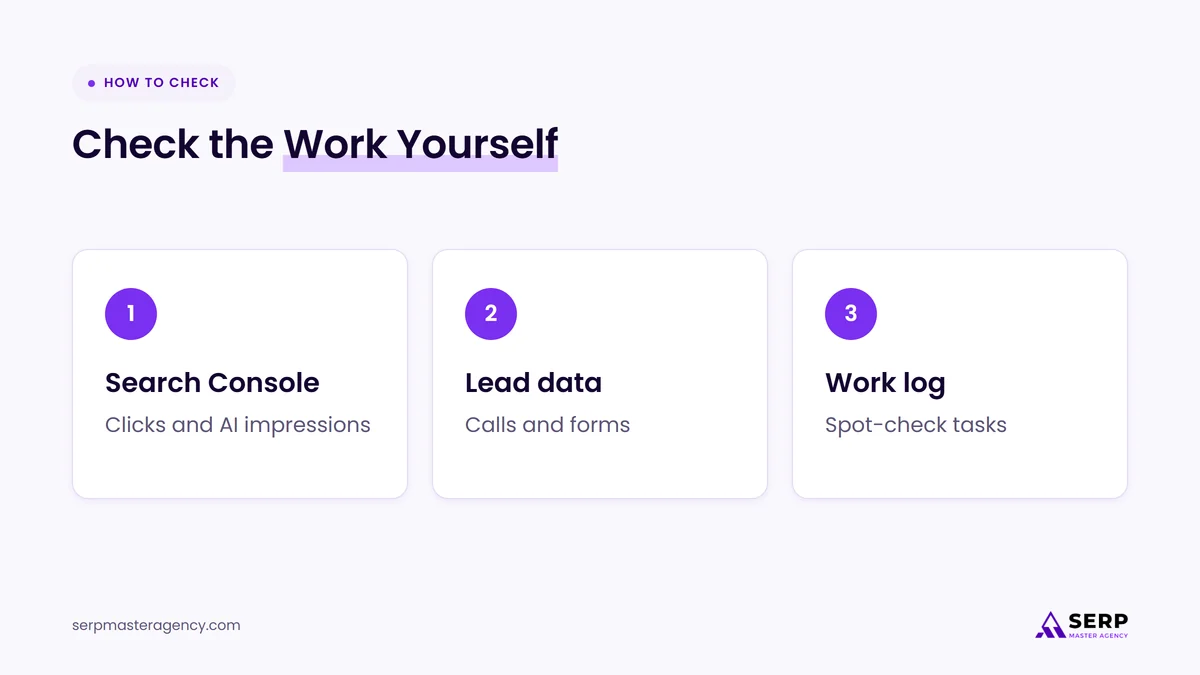
- Open Search Console’s Performance report. Compare clicks and impressions for the last three months with the same period last year. Rising impressions with falling clicks often points to AI Overviews.
- Open the Generative AI performance report. See which of your pages appear in AI Overviews and AI Mode, and whether those are pages about the services you sell.
- Check leads from organic search. In Google Analytics, look at key events such as form submissions and calls from organic traffic. Compare them with your own records of new customers.
- Read the work log. Pick two completed tasks and check them on your site. Is the page updated? Is the listing fixed?
- Search for your main service and city. Note who appears in the map results, the organic results and any AI Overview. Ask the agency why those businesses are there and what the plan is to compete.
What should you do if your agency shows several of these signs?
If your agency shows several of these signs, don’t cancel straight away. Book a review meeting, share the specific signs you’ve seen and ask for a written plan to fix them within a set period. Their response tells you most of what you need to know about whether to stay or move on.
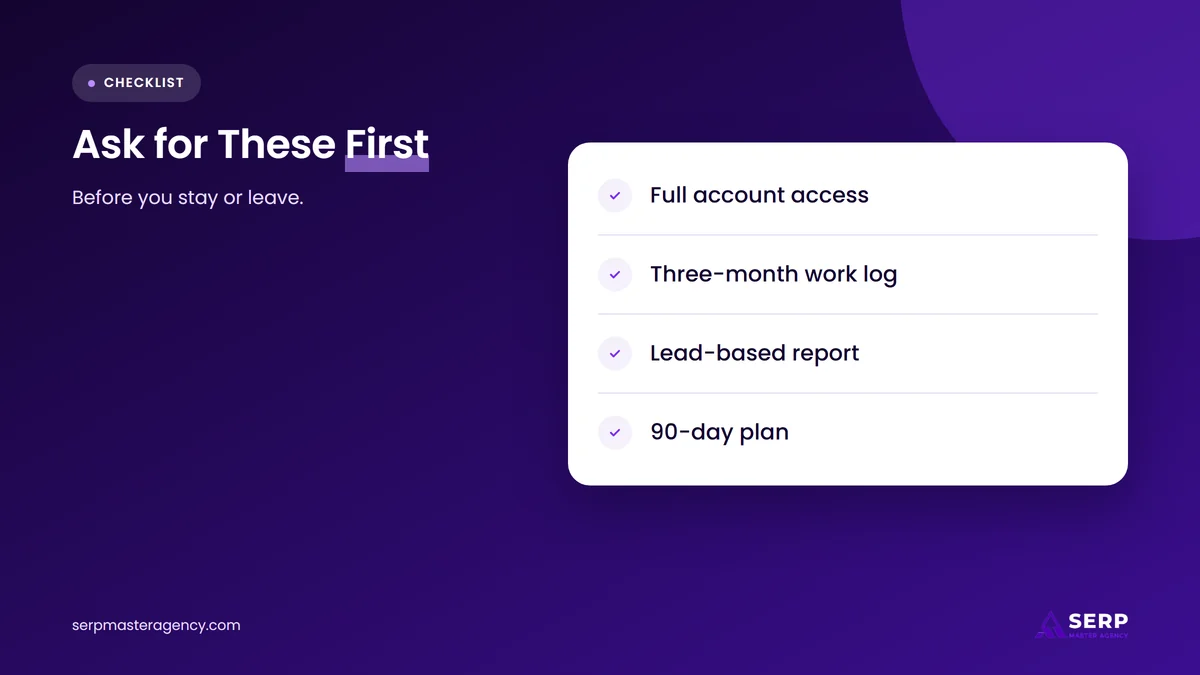
In that meeting, ask for:
- Owner or admin access to Search Console, Google Analytics, your Google Business Profile and your website.
- A full log of work completed in the last three months.
- A report that shows leads from organic search, plus AI feature impressions and clicks.
- A plan for the next 90 days with named tasks and the result each one is meant to move.
If the agency agrees and delivers within a few weeks, give the new plan a fair trial. If it resists, delays or sends another rankings report, it’s time to look elsewhere. Before you sign with anyone new, run through our list of questions to ask SEO companies before hiring, and check your contract’s notice period. If you’re weighing a smaller commitment next time, our comparison of fixed-price SEO tasks and monthly retainers can help.
How does SERP Master Agency report on SEO work?
SERP Master Agency reports SEO against the numbers business owners care about: calls, form fills and enquiries from search, alongside rankings, clicks and visibility in AI features. Clients keep ownership of their accounts, see the work completed each month and get a plain-English plan for what comes next.
We also tell clients when results are slower than we’d like and what we are changing because of it. BrightLocal’s 2026 survey of US consumers found that use of ChatGPT and other AI tools for local recommendations rose from 6% to 45% in one year, so we treat AI visibility as part of the same report, not an extra.
Frequently asked questions
How do I know if my SEO is actually working?
Your SEO is working if leads from organic search, such as calls, form fills and enquiries, are growing over time, and your agency can show the work that caused it. Rankings and traffic help explain the trend, but they are not proof on their own. Check Search Console and your lead records every month.
Is it normal for rankings to stay the same while clicks drop?
Yes, it is increasingly common. When an AI Overview appears above the results, fewer people click the links below it, so a page can hold its position and still lose clicks. Your agency should explain this in your reports and shift effort toward pages and searches that still bring customers.
Should my SEO agency report on AI Overviews and AI Mode?
Yes. Search Console’s Generative AI performance report shows how often your pages appear in AI Overviews and AI Mode, and it is available to all sites. A current agency should include those impressions in your report next to clicks and leads, and explain what they mean for your business.
How long should I wait before switching SEO agencies?
Give an agency a few months before judging rankings and leads, but judge transparency from the first month. If you still lack account access, a work log or lead-based reporting after a review meeting and a few weeks to fix it, switching is reasonable. Check your contract’s notice period first.
What should I take with me when I leave an SEO agency?
Make sure you have owner access to Google Search Console, Google Analytics, Google Business Profile, your website, your domain and any call tracking. Ask for copies of all reports, the keyword plan and content the agency wrote for you. Then remove the agency’s access once the handover is complete.
Is your SEO agency working for you?
An SEO agency is working for you when you can see what it did, understand why it did it and trace the results to calls, form fills and sales. If your reports stop at rankings, ignore AI search or can’t name the work behind your fee, ask for a review and a lead-based plan. If you want a second opinion on what good looks like, you can see how we approach the work on our SEO services page at SERP Master Agency.
Want a straight answer on your current SEO?
Tell us what your agency sends you each month and what you expected from search. We’ll tell you honestly what’s working, what isn’t and what we would check first, even if the answer is to stay with your current provider.
Sources
- Ahrefs, “Update: AI Overviews Reduce Clicks by 58%”, February 4, 2026. https://ahrefs.com/blog/ai-overviews-reduce-clicks-update/
- Pew Research Center, “Google users are less likely to click on links when an AI summary appears in the results”, July 22, 2025. https://www.pewresearch.org/short-reads/2025/07/22/google-users-are-less-likely-to-click-on-links-when-an-ai-summary-appears-in-the-results/
- Google Search Central Blog, “Introducing Search Generative AI performance reports in Search Console”, June 3, 2026 (updated August 31, 2026). https://developers.google.com/search/blog/2026/06/gen-ai-performance-reports
- Search Console Help, “Generative AI performance report (Search)”, accessed November 3, 2026. https://support.google.com/webmasters/answer/16984139?hl=en
- Google Search Central, “AI features and your website”, accessed November 3, 2026. https://developers.google.com/search/docs/appearance/ai-features
- Google Search Central, “Optimizing your website for generative AI features on Google Search”, May 15, 2026. https://developers.google.com/search/docs/fundamentals/ai-optimization-guide
- Google Search Central, “Do you need an SEO?”, updated June 5, 2026. https://developers.google.com/search/docs/fundamentals/do-i-need-seo
- BrightLocal, “Local Consumer Review Survey 2026: Star Ratings Keep Rising, Old Reviews Don’t Cut It”, February 11, 2026. https://www.brightlocal.com/research/local-consumer-review-survey/

Suraj Rana is a highly regarded SEO expert specializing in the dental industry. His expertise lies in crafting strategic SEO marketing plans to help new or expanding businesses increase their online visibility and attract more customers. Suraj Rana’s skills extend to improving website rankings and boosting organic search visibility, thereby enhancing web traffic and return on investment for businesses.